Platform
PRO-dela Features: Everything for a Project in One Place
PRO-dela combines projects, tasks, technical specifications, documents, chats, roles, budgets, expenses, and invoices — so the team can manage work and decisions within a single framework.
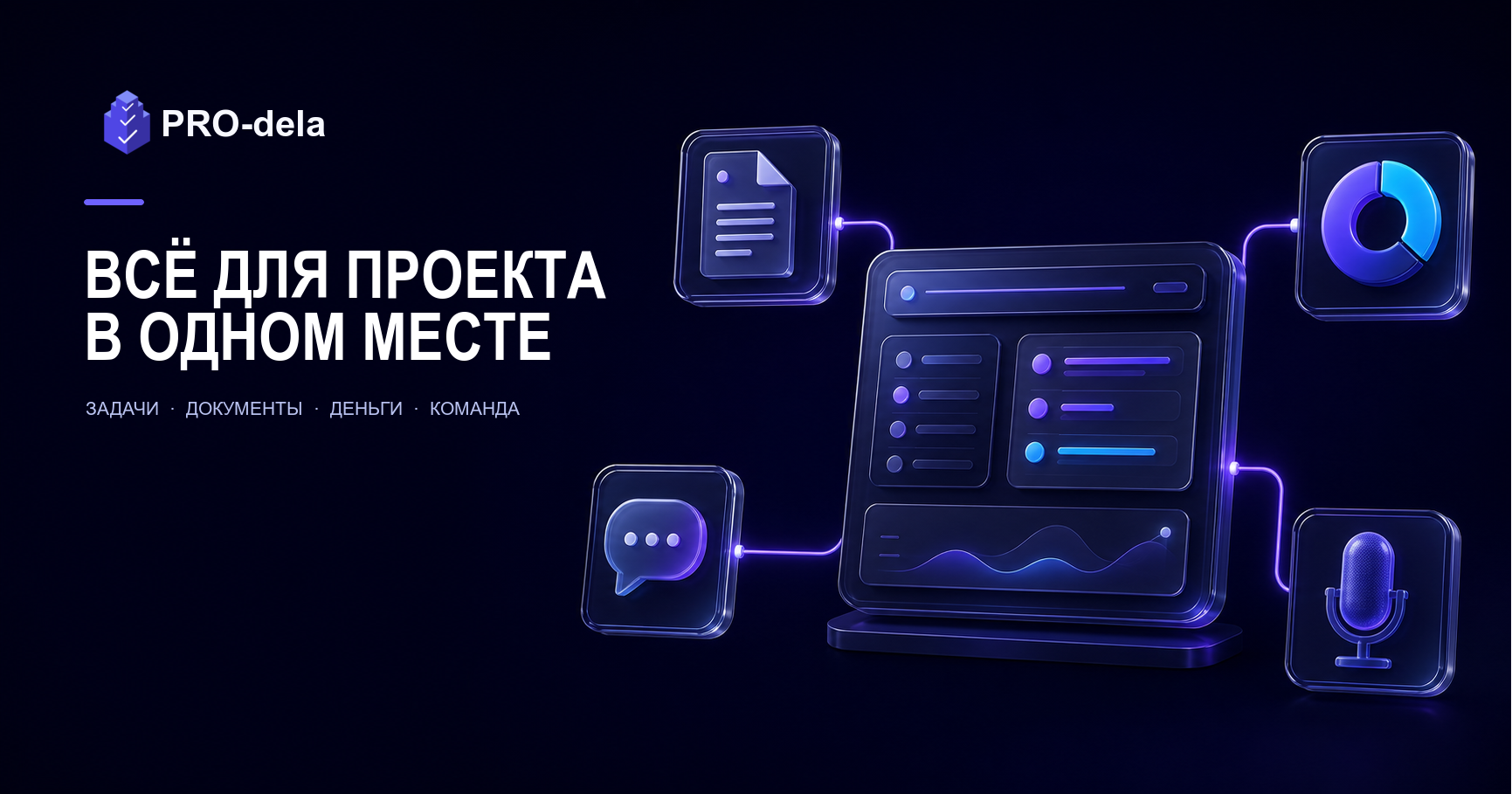
PRO-dela is a workspace for project teams: you can plan work, assign responsibilities, record requirements, discuss details, collect documents, and link results to invoices and budgets.
The platform is especially useful where a project cannot be reduced to a task board. In an agency, studio, service business, or internal team, each task has context: stage, assignee, files, and agreements.
This context may include the client, expenses, and acceptance criteria. When it is available alongside the work, the team does not have to reconstruct the picture from memory.
Below is a map of PRO-dela's capabilities and a practical scenario where they come together into a single process. Not all sections need to be enabled on day one: start with one live project and add tools as needed.
What a unified workspace provides
When tasks live in one service, discussions in a messenger, files in the cloud, and money in a spreadsheet, the team constantly assembles the picture manually. An important decision gets lost in correspondence, and the project status becomes a matter of guesswork.
In PRO-dela, a project connects people, stages, tasks, technical specifications, chats, documents, budget, and invoices. Instead of searching across different tabs, a participant opens the project and sees the relevant context alongside the work.
This is not a promise to replace accounting, legally significant document flow, or any corporate messenger. Specialized tools and processes are needed for such tasks.
The value of PRO-dela lies elsewhere: it helps avoid breaking actual work, approvals, and financial events across unrelated services.
Where work begins: company, projects, and participants
The workspace is built around a company. Within it, you can run multiple projects — for example, individual client orders, internal initiatives, product lines, or projects for different teams.
Employees and external participants are added to a project. Each is assigned a role with appropriate permissions: who can change tasks, invite people, work with documents, view the budget, or confirm results.
This approach is convenient for both small teams and growing businesses. A new designer, contractor, or client representative gets access to the needed project, not to a shared folder of materials and endless correspondence.
Invitations and access rights
An invitation is sent to a specific recipient: they can accept or decline it. After acceptance, the participant sees only the workspace they have been connected to and acts within the assigned role.
Roles and permissions help make participation clear. The manager sets the rules once, and the team argues less about who should approve a change, create a document, or see sensitive information.
Project structure: technical specification, stages, and plan
A project can start with a technical specification. It is convenient to record the goal, expected result, constraints, materials, and acceptance criteria. This gives the team a common reference before the work breaks down into dozens of tasks.
Then the project is divided into stages: for example, research, preparation, design, production, testing, and launch. Stages can be created, reordered, linked to tasks, and supplemented with their own technical specifications and files.
Such a structure shows not only the to-do list but also the path to the result. It is easier for the manager to see where work has accumulated, and for the participant to understand why a task is needed now and which stage it advances.
Personal and project plans
Plans, sections, and plan items help manage a personal or project work horizon. They can be linked to tasks, used for planning next steps, and carry over unfinished items without losing meaning.
Scheduling and linking to tasks are useful when you need to turn a big idea into a sequence of actions. At the same time, building a complex process is not required: a few stages and current tasks for the near future are enough to start.
Tasks: from assignment to accepted result
A task in PRO-dela is not just a line in a list. It can have an assignee, status, priority, deadline, description, attachments, and a link to a project or stage. Large work can be broken down into subtasks.
Priorities high, medium, and low help separate urgent from important without breaking the task order. Lists can be filtered by priority, and tasks and subtasks can be reordered by dragging.
For work progress control, there are estimates and progress with separate confirmation actions. The team can distinguish between "the performer finished" and "the result is accepted," and if necessary, reject the result or return the task to work.
Templates and repeatable work
If similar tasks occur regularly, use task and subtask templates. They help avoid building the same checklist from scratch each time and maintain a standard of execution in a typical process.
A template does not replace common sense and does not have to describe everything. Its job is to quickly give the team a working framework: mandatory steps, expected result, and a minimal set of checks.
Archive and history
Completed or irrelevant tasks can be archived, restored if needed, or permanently deleted. This keeps the working list clean without forcing you to erase project context immediately after completion.
Communication where work happens
The platform has personal, project, task, and discussion chats. Messages, attachments, reactions, mentions, read statuses, and typing indicators help discuss an issue next to the object it relates to.
A participant can quickly return to the history instead of searching for a solution in a personal messenger. Link previews are available, so it is easier to understand what material, document, or external resource the team is discussing.
Private discussions within a project
A discussion is created inside a project but has its own set of participants. The author automatically becomes a participant and can invite only current project participants to the conversation.
This is useful for a topic that does not need to be opened to the entire project: client approval, a conversation among managers, or discussion of a specific risk. After leaving the discussion, the participant loses access to its messages, page, and notifications.
Notifications and real-time work
PRO-dela stores a history of internal notifications: they can be viewed, marked as read, have an unread counter, and be cleared. For key events, the interface syncs in real time.
This way, the participant learns about new messages, status changes, invitations, or task modifications faster. Notifications should help take action, so the team should agree in advance which events truly require attention.
Files, documents, and work materials
Materials can be attached to tasks, projects, stages, messages, and documents. A layout, brief, specification, or final file stays next to the work, not just in the author's personal folder.
A separate documents section is suitable for creating, viewing, and editing working documents. Documents can be linked to the project context, have attachments added, and serve as an access point to current materials.
Technical specifications with files are provided for the project and its stages. This is convenient when the overall scope of work needs to be supplemented with detailed requirements for a specific stage, without turning each task description into a long archive.
Invoices, details, budget, and actual expenses
The financial section helps view a project not only through the number of closed tasks. In PRO-dela, you can manage budgets, get budget information for projects and tasks, and rely on statistics for available projects.
Time and fixed monetary expenses can be tracked in tasks. This provides a managerial picture of work cost: the manager notices a deviation earlier than having to manually collect the reasons for overspending at the end of the project.
Invoice linked to completed work
The platform has invoices, invoice items, invoice documents, statuses, and payer notification. Invoice details and materials do not need to be searched separately: the financial event stays in the same workspace as the project.
Such a framework is especially useful for studios, agencies, and contractors. The question "what is this amount for?" can be broken down through stages, tasks, documents, and actual completed work, rather than reconstructing history from correspondence.
Invoices and budgets are needed for project management but do not replace tax accounting, contracts, banking systems, or legally significant document exchange. These processes should be handled in specialized services and according to your company's rules.
Plans and company payment
A company can work with plans: activate a trial period, choose a suitable option, use a saved card, and set up regular payment if this method is available in the selected scenario.
The payment flow and payment methods depend on current settings and the connected provider. Before launching a team, check the plans page for current terms, limits, and available payment methods.
Analytics and management overview
Project statistics help select the desired project and view its indicators. Together with budget information, task progress, and expenses, they give the manager a more useful question than "how many cards are closed."
It is more important to understand which stage is moving toward the result, where work is blocked, how much a task has already cost, and what actions are needed next.
For this, data in PRO-dela is linked to real work objects, not living in a separate report without context.
Voice input and voice commands
Voice input helps quickly enter a thought into a regular field, task description, or technical specification. The platform receives audio, converts it to text, and allows you to continue working with the result in the usual interface.
For voice commands, there is a scenario for parsing, previewing, and confirming the action. This is important: the system should not silently create tasks or change project data just because a phrase was recognized ambiguously.
The availability of recognition, response voicing, and commands depends on settings enabled by the administrator and the chosen provider.
Voice capabilities are best implemented for a specific scenario: for example, quickly recording a task after a call.
AI assistance when creating a task
When the setting is enabled, the intelligent task creation form accepts a free description of the work. AI can suggest a short title, preserve the original description, and help recognize the assignee or status within the current project.
This scenario does not replace human review. The assignee is selected only from project participants, and the status only from its statuses and designation dictionary.
If AI is unavailable or the response is of poor quality, the task is created using the normal safe scenario.
AI is especially useful where a task starts with a voice note, client message, or long draft. Its role is to reduce manual input and quickly turn an idea into a clear assignment, not to replace the manager's responsibility.
Safe start: one project instead of a big migration
Do not transfer the entire archive into PRO-dela in one evening. Choose an active project for the next two to four weeks — one with real tasks, materials, participants, and a clear result.
- Create a company and project, add a goal and a short technical specification.
- Divide the work into three to five stages or logical blocks.
- Invite only those participants who need access and assign roles.
- Transfer the nearest tasks, assign assignees, priorities, and statuses.
- Attach key materials and agree to conduct working discussions in the project context.
- Connect budget, expenses, documents, and invoices only if they are needed for this project.
- After a week, discuss with the team what has stopped getting lost and what rules should be clarified.
This way, the team tests not "a set of features in a demo" but their own path from assignment to result. Once it works on one project, the system can be calmly expanded to other areas.
Example: how an agency runs a client project
An agency creates a project for a client, records goals and acceptance criteria in the technical specification, and then adds stages: analytics, design, development, testing, and launch.
On each stage, tasks appear with assignees, subtasks, priorities, estimates, and attachments. In the project chat, the team discusses general questions, and in the task chat, details of a specific implementation.
If a sensitive issue needs approval, the manager creates a separate discussion with the required set of participants. Materials, documents, and decisions stay next to the project, so a new participant does not start work by searching for history.
As work progresses, the team marks progress and submits the result for acceptance. Then an invoice with items and documents is created, and the budget and expenses help explain the project's economics within the company.
Frequently asked questions
Can I start with tasks and add the rest later?
Yes. You can start with a project, tasks, assignees, and statuses, and then add stages, technical specifications, documents, chats, budget, invoices, and Telegram when these tools become necessary in daily work.
Is PRO-dela suitable for working with a client or contractor?
Yes. A participant can be invited to a project and assigned a role. This helps provide access to the needed context, record materials and agreements, without opening the entire company workspace.
Does the platform have personal and private discussions?
There are personal, project, and task chats, as well as private discussions within a project with a separate set of participants. Access to such a discussion is determined by participation in it, not just by participation in the project.
Does the platform replace accounting and legally significant document flow?
No. PRO-dela helps manage working documents, invoices, budget, and expenses in connection with the project. Tax accounting, banking, contracts, and legally significant exchange should remain in specialized systems and company processes.
Do I need to use AI and voice features?
No. These are additional tools to speed up input and task assignment. Basic work with projects, tasks, documents, communication, and finances does not depend on AI or voice scenarios.
Bring work together around the result, not around different services
Register in PRO-dela, create one active project, and transfer the nearest work into it. Start with tasks and stages, then add documents, chat, budget, and invoices where they truly help the team.
Before launching, you can view current plans and explore platform capabilities. This will help you choose a process scope that makes work more transparent, not more complex.
Discussion
Comments 0
A respectful exchange of experience without public personal data.